How to Set Up Your First Smart Lighting
Discover
We test so you don't have to
See our buying guides→How to Set Up Your First Smart Lighting
Smart lighting is one of the easiest ways to transition into a connected home environment. As someone who has been testing various smart lighting solutions for a while, I can assure you that setting up your first smart lighting system isn't as daunting as it seems. Through a combination of ease of use and technological advancement, I found that creating a customizable lighting experience can significantly enhance your home's ambiance. Let’s dive into how I set up my own smart lighting and how you can create your unique setup.
Why This Matters
Smart lighting not only provides convenience and control but also enhances the overall atmosphere of your living space. Imagine being able to dim the lights for movie night or sync your bulbs to music during a party—all at the touch of a button or a simple voice command. The rise of smart lighting technology means that options are abundant, making it easier than ever for anyone to create their ideal lighting setup.
Step-by-Step Guide
1. Choose Your Smart Bulbs
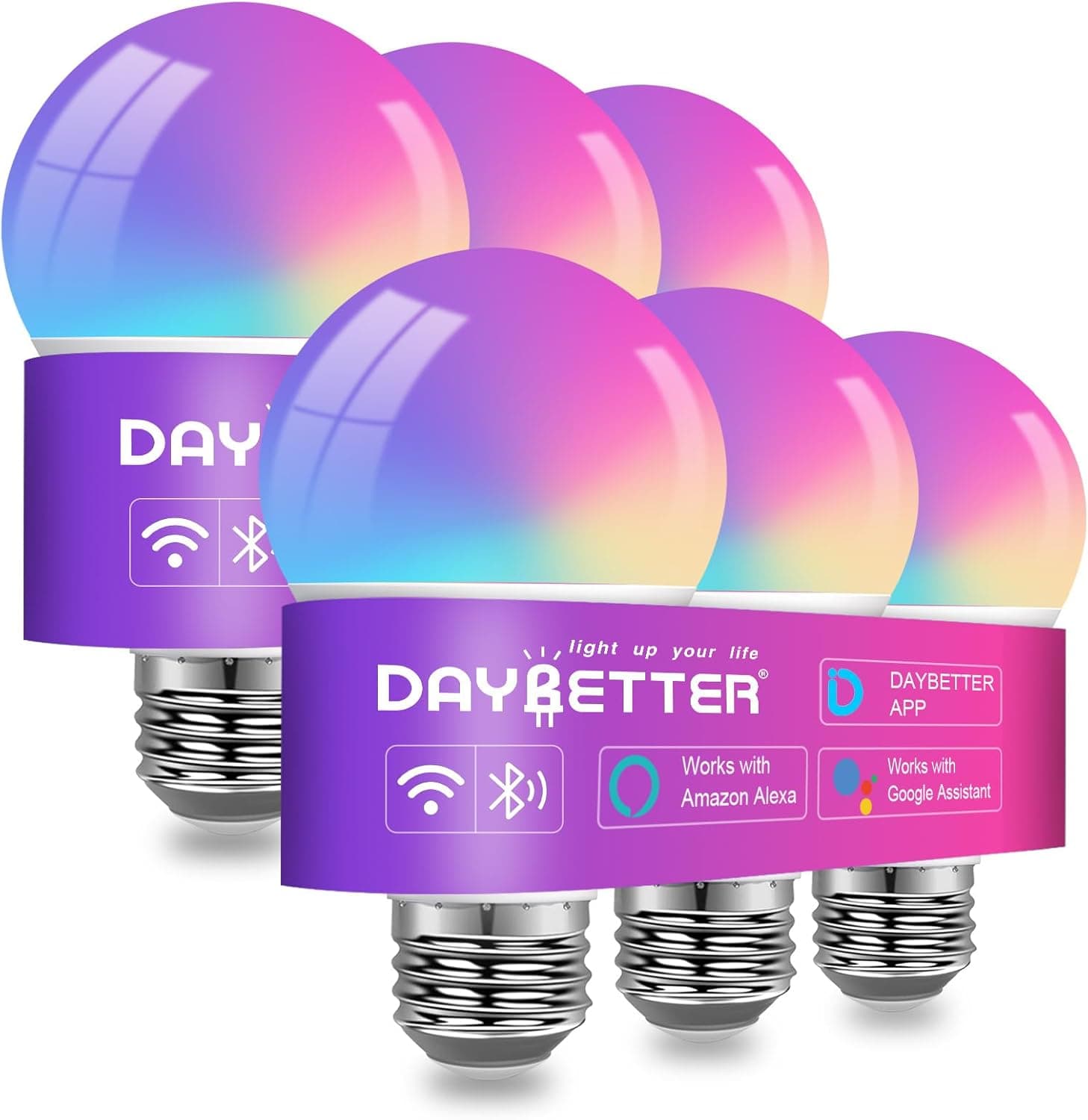
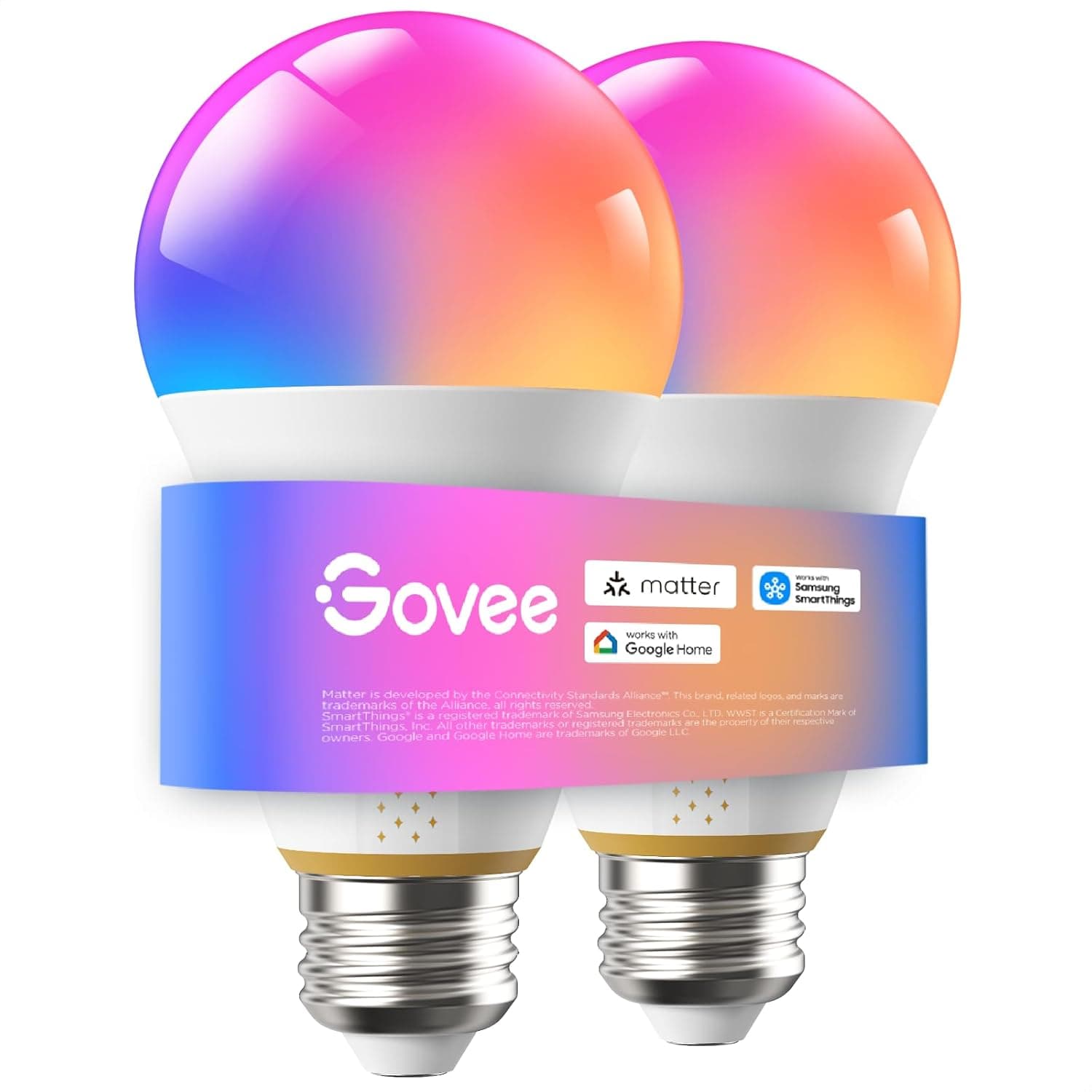
Start by selecting the right smart bulbs for your needs. I personally recommend the Versatile Smart Light Bulbs with Voice Control & Music Sync by DAYBETTER. They offer great features such as color-changing functionality and compatibility with platforms like Alexa and Google Home. Alternatively, consider the Govee Smart Light Bulbs for vibrant color options and easy integration into your existing smart network.
2. Choose a Smart Hub (Optional)
While many smart bulbs connect directly to Wi-Fi and can function independently, a smart hub can streamline the management of your devices. I found that using a hub provides better control, especially if you have multiple devices to manage. Devices like the Philips Hue Hub can help unite your ecosystem under one roof. However, if you're using products that are Wi-Fi enabled, you can skip this step.
3. Download the Necessary Apps
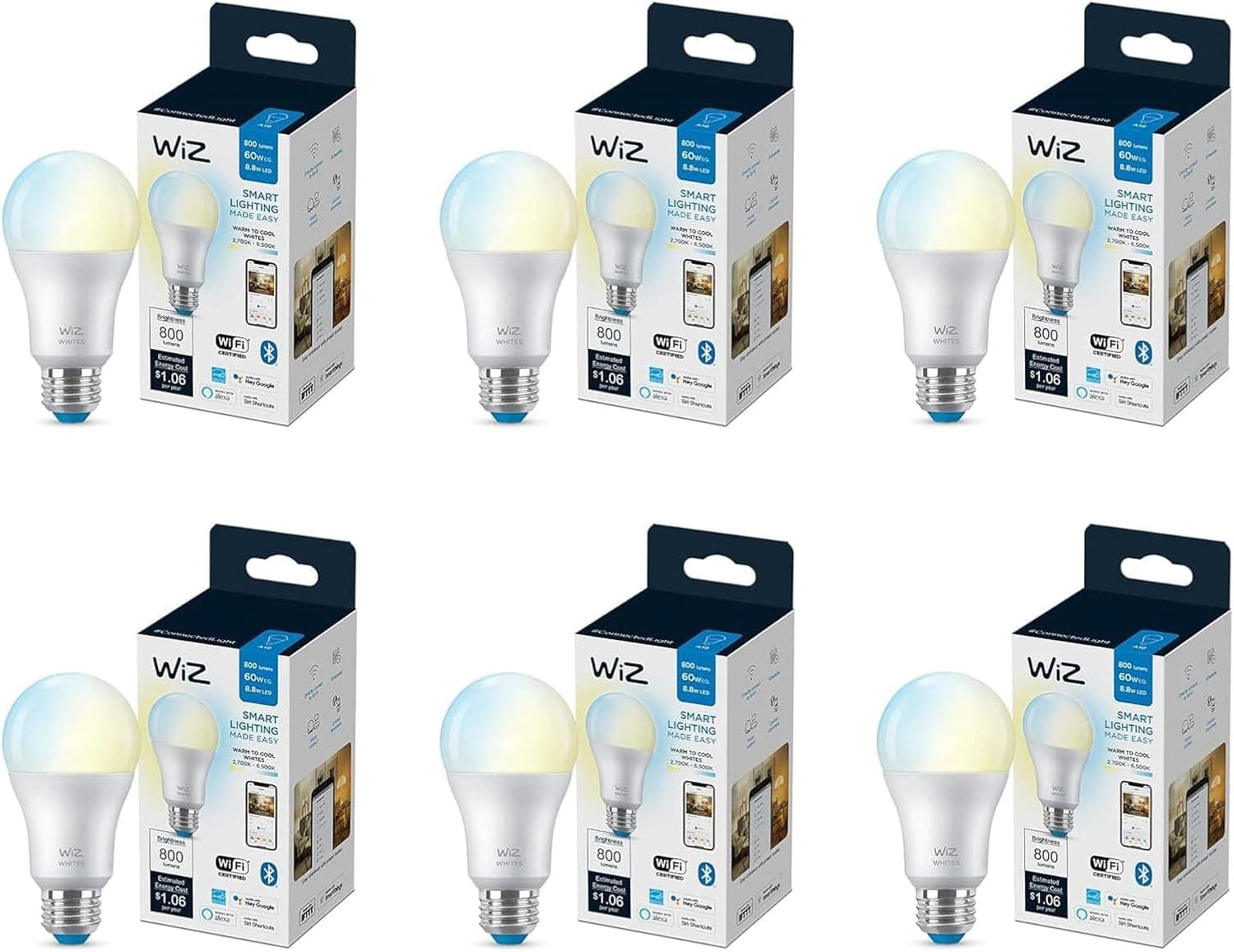
Next, download the manufacturer’s app for your selected smart bulbs. During my setup process, I found that the DAYBETTER app was intuitive and straightforward, allowing me to customize brightness, colors, and even create schedules with ease. If you opt for products like the Smart LED Bulb Pack by WiZ Connected, ensure you download their app as well.
4. Connect Your Smart Bulbs
After installing the necessary apps, it’s time to connect your bulbs. Turn on your light fixtures, launch the app, and follow the prompts to connect your smart bulbs to your Wi-Fi network. I recommend ensuring your phone is connected to the same network for a smoother setup process.
5. Integrate Voice Control (Optional)
If you have a smart assistant like Amazon Alexa or Google Assistant, you can enable voice control for your lights. Just go into the settings of your smart bulb app, select the option for voice integration, and link your assistant account. This additional integration allows for an effortless experience when controlling your lights.
6. Set Up Scenes and Automations
One of the most fun features of smart lighting is the ability to create custom scenes. For instance, I set up a "Movie Night" mode where the lights dim and shift to a warm hue. Most apps provide options to create scenes for different occasions. You can also schedule your lights to turn on or off at specific times—perfect for simulating presence while you're away.
7. Test Your Setup
Once you have everything set up, take some time to test your configuration. Adjust the brightness, change colors, and check any automations you created. This is the moment where you can enjoy the full capabilities of your newly connected space!
8. Expand Your Smart Lighting System
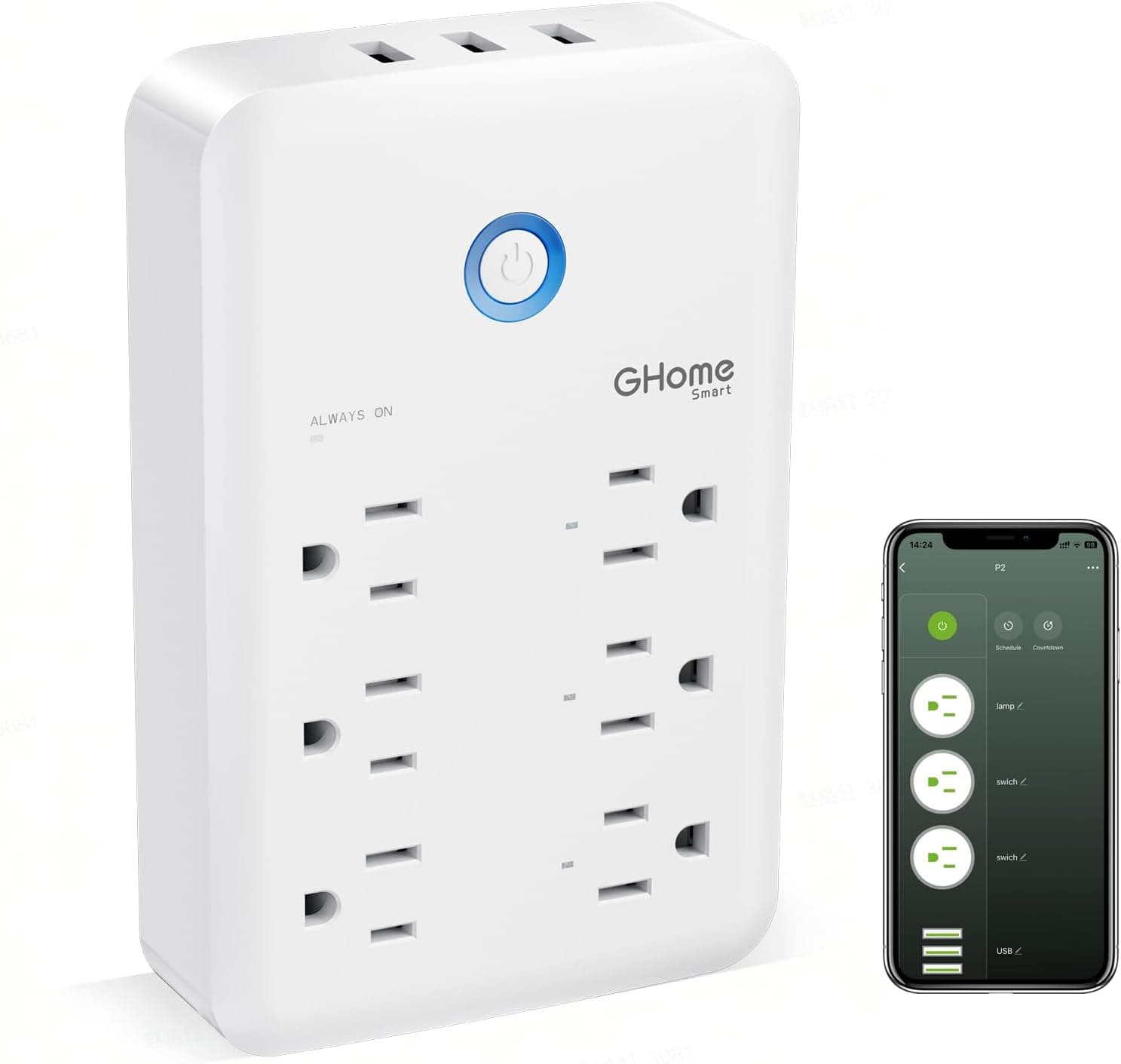
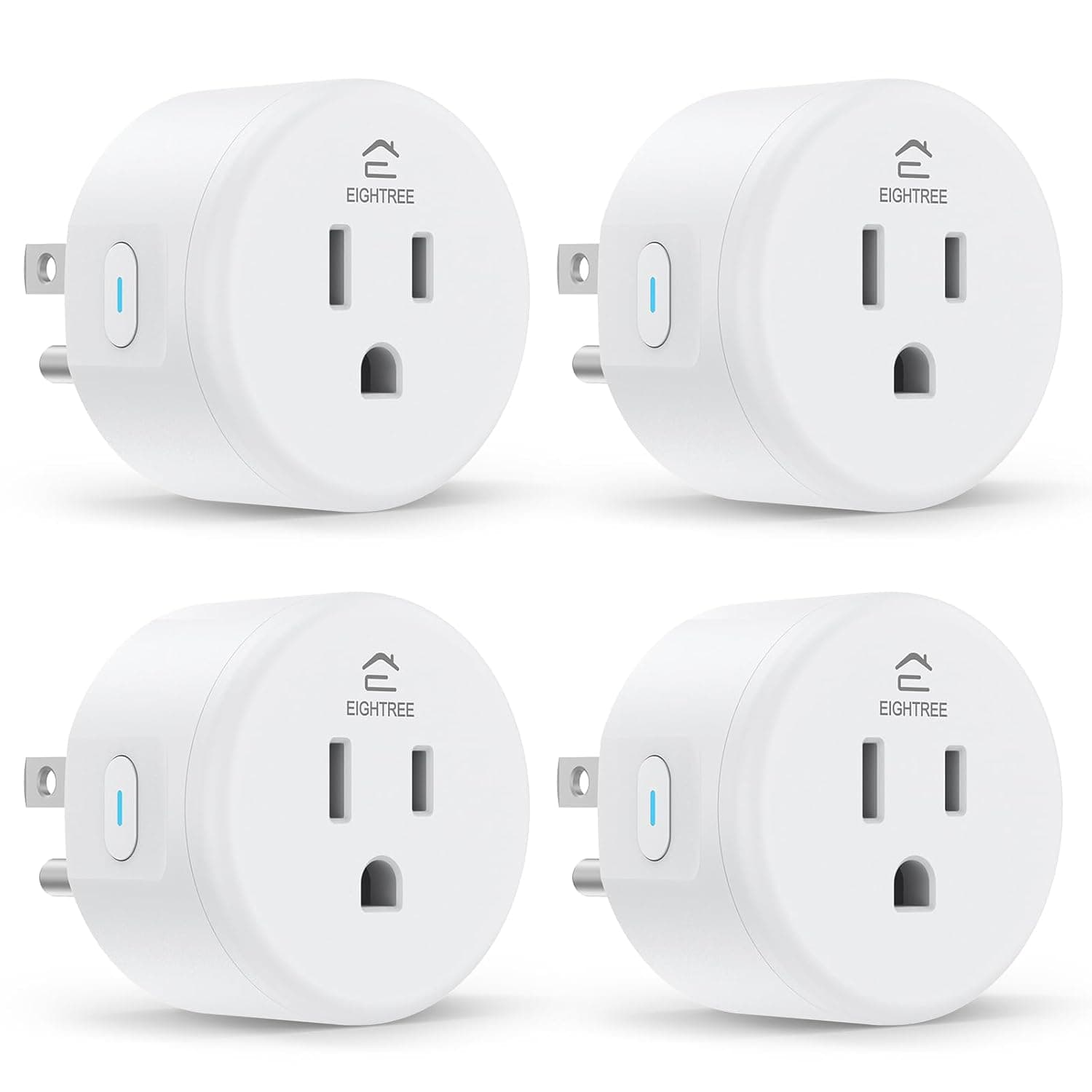
Consider adding more smart lighting options to your setup over time. I found that incorporating smart plugs, such as the EIGHTREE Smart Plug, allowed me to control floor lamps and other non-smart fixtures. For those who need additional outlet flexibility, the GHome Smart Plug Outlet Extender works like a charm with multiple USB ports.
Our Top Recommendations
-
EIGHTREE Smart Plug: Voice-Controlled WiFi Outlet (4-Pack) Price: $20.88 on Amazon — 4.5⭐
- This pack of smart plugs is perfect for controlling traditional lamps and appliances via voice commands or through the app, making it a no-brainer for your smart home setup.
-
Versatile Smart Light Bulbs with Voice Control & Music Sync Price: $23.74 on Amazon — 4.4⭐
- These bulbs not only fit seamlessly into your smart ecosystem but also sync with music for a dynamic experience.
-
Smart LED Bulb Pack: Wi-Fi Controlled and Motion Activated Price: $64.99 on Amazon — 4.2⭐
- Perfect for those looking to engage motion-sensor capabilities along with traditional smart features, ideal for hallway and outdoor use.
-
Govee Smart Light Bulbs: Vibrant Color & Smart Control Price: $39.98 on Amazon — 4.2⭐
- Known for their rich color options and compatibility with Matter, they're an excellent addition for any color enthusiast.
-
GHome Smart Plug Outlet Extender with USB Ports Price: $22.98 on Amazon — 4.4⭐
- This outlet extender not only adds extra functionality but also works with voice control, making it versatile for any room.
Final Thoughts + Quick Decision Guide
Setting up your first smart lighting system can dramatically improve your living experience. By following this guide, I believe you'll be able to tailor your lighting not just for functionality, but also for mood and ambiance.
Here's a quick decision guide to help you through:
- Choosing Bulbs: Think about your existing fixtures—are you looking for a complete replacement (like the DAYBETTER bulbs) or add-ons?
- Voice Control: Consider whether you want voice functionality, which can make your setup even more hands-free.
- Expanding: Plan for future additions that can round out your smart home ecosystem, like smart plugs.
Once you’ve taken the plunge into smart lighting, I can assure you, you'll wonder how you ever lived without it. So dive in and check the current prices on Amazon for the products mentioned to start crafting your ideal lighting environment today!
Discover