How to Set Up Your First Wireless Earbuds
Discover
We test so you don't have to
See our buying guides→Setting up your first wireless earbuds can be an exciting yet slightly daunting experience. I remember my first time feeling overwhelmed by the various features and settings. However, with the right guidance, it can be an effortless task! Let’s dive into the process of setting up your wireless earbuds so you can enjoy your favorite tunes, podcasts, or calls in no time.
Why This Matters
Wireless earbuds have become an essential accessory for many people, providing convenience, sound quality, and freedom of movement. With features like noise cancellation, long battery life, and sweat resistance, they’re perfect for workouts, commuting, or casual listening. However, setting them up correctly is crucial to getting the most out of your experience. Whether you’re using them for casual listening or taking important calls, knowing how to properly connect and adjust your earbuds can enhance your audio experience significantly. In this guide, I’ll walk you through setting up your first wireless earbuds step-by-step.
Step-by-Step Guide
Step 1: Select Your Earbuds
Before diving into setup, you’ll need to select your earbuds. For first-time buyers, I recommend a few excellent options based on my experience:
-
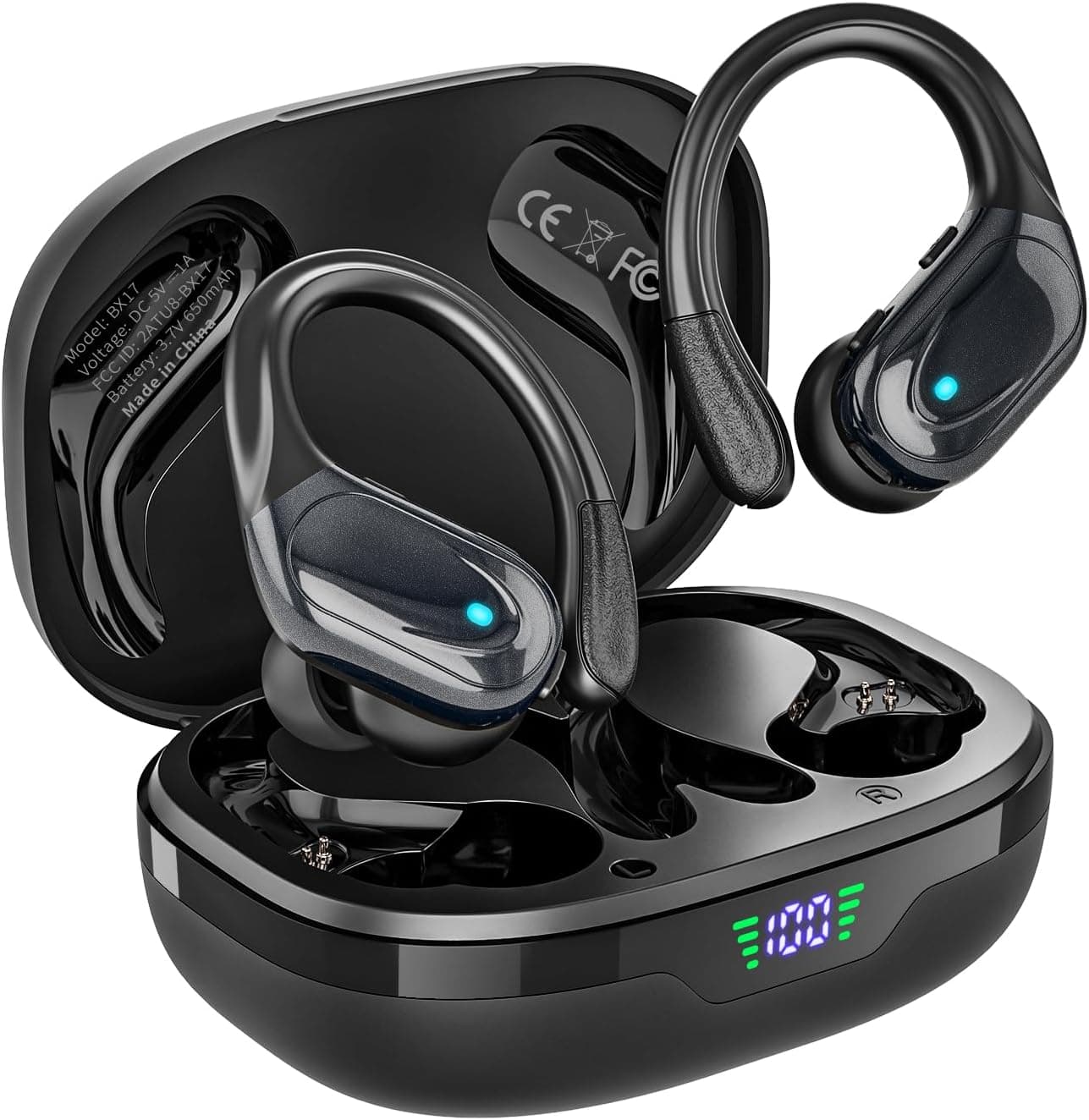
HAOYUYAN Bluetooth Earbuds: 80H Playtime & Comfort – Priced at $26.98, these earbuds offer an impressive 80-hour playtime and 4.9-star ratings on Amazon, making them both affordable and high-quality.
-
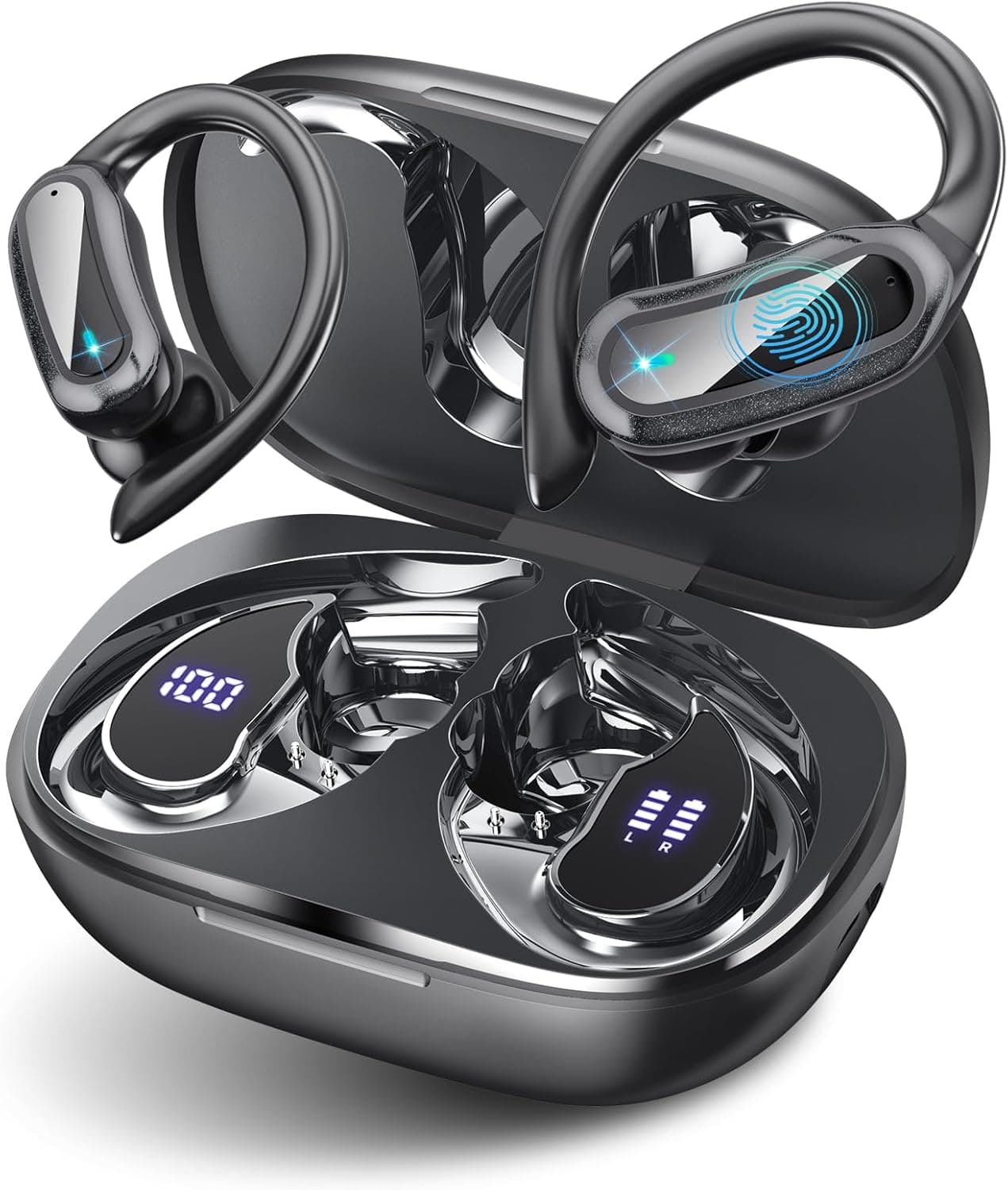
TRAUSI Wireless Earbuds: Comfort and Clarity for Active Lifestyles – Abundant in features with noise-canceling and an IPX7 rating, TRAUSI’s earbuds are perfect for fitness enthusiasts, available at $39.99 and rated 4.8 stars.
-
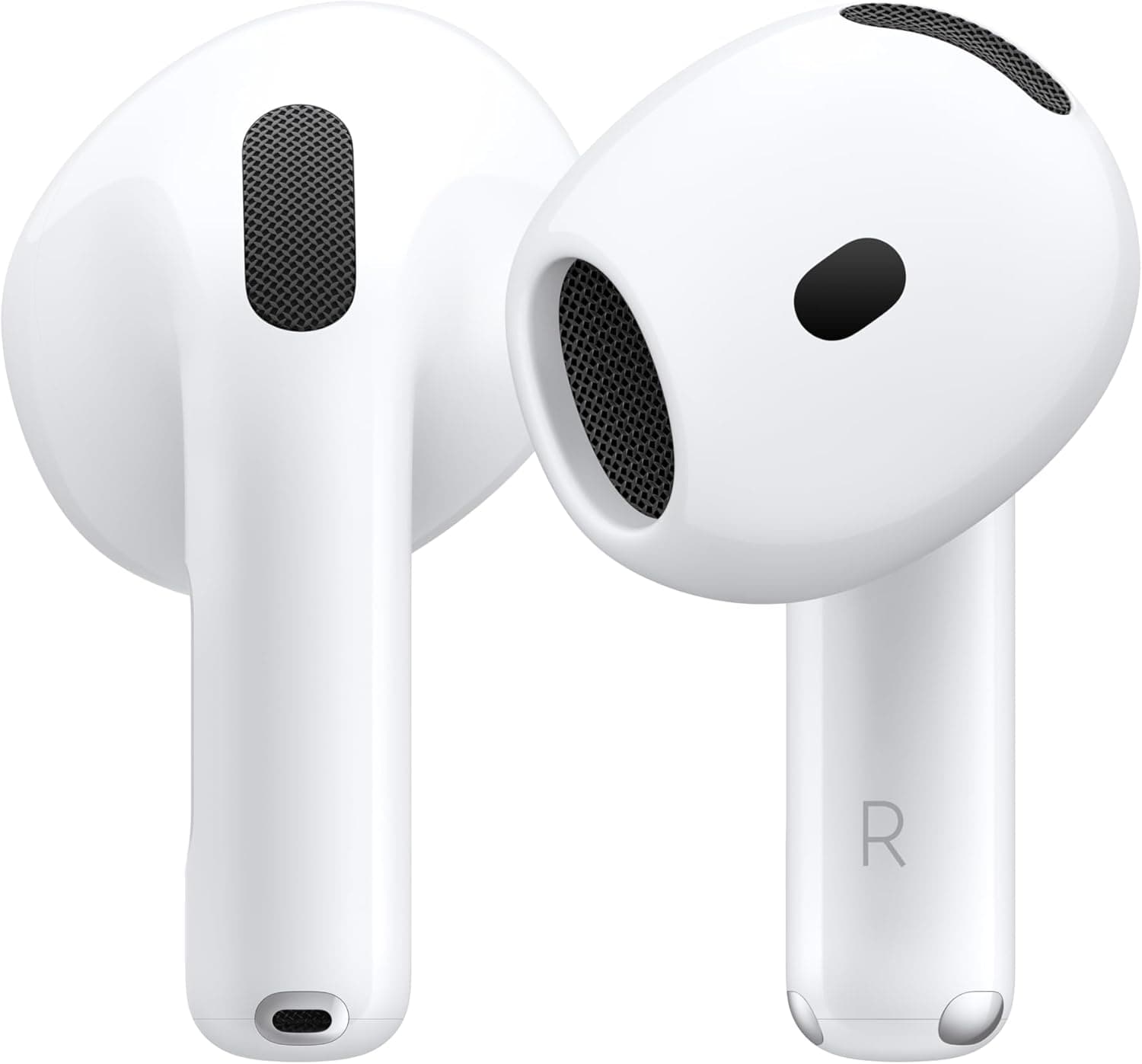
Apple AirPods 4: Comfort, Quality, and Long Battery Life – For those within the Apple ecosystem, these earbuds offer seamless integration with iPhone and are priced at $99. With 4.6 stars, they are known for their reliability.
Step 2: Charge Your Earbuds
Once you have your earbuds, begin by ensuring they are fully charged. Most wireless earbuds come with a charging case. Connect the charging case to a power source using the provided USB cable, allowing the earbuds to charge completely. This usually takes about 1-2 hours depending on the model.
Step 3: Enable Bluetooth on Your Device
Next, you need to enable Bluetooth on your device. Whether you’re using a smartphone, tablet, or laptop, navigate to the settings:
- For iPhone: Go to Settings > Bluetooth, and toggle Bluetooth on.
- For Android: Open Settings > Connected devices > Bluetooth and turn it on.
- For Windows: Click on the Bluetooth icon in the system tray and select “Add Bluetooth or other device.”
Step 4: Pair Your Earbuds
With your earbuds fully charged and Bluetooth enabled, it’s time to pair them.
-
Open the Charging Case: Most earbuds have an automatic pairing feature. Open the charging case to power them on.
-
Put Earbuds in Pairing Mode: Some earbuds automatically enter pairing mode when removed from the case; others may require you to press and hold a button for a few seconds until the LED light starts flashing.
-
Select Your Earbuds on Your Device: On your smartphone or computer, look for your earbuds in the Bluetooth menu. Tap on them to establish the connection.
-
Confirm the Pairing: You may be prompted to confirm the pairing. Once connected, your earbuds are ready for use!
Step 5: Customize Sound Settings (Optional)
After your earbuds are connected, you can customize the sound settings according to your preferences. Many modern earbuds come with companion apps that allow you to adjust equalizer settings. If your model has such an app, download it from your device’s app store for extra features like noise cancellation or ambient sound modes.
Step 6: Test Your Earbuds
Once everything is set up and connected, it’s time to test your earbuds! Play your favorite song or podcast to ensure sound clarity and comfort. Adjust the fit if necessary, and don’t forget that most wireless earbuds come with multiple ear tip sizes to ensure a secure and comfortable fit.
Step 7: Maintain Your Earbuds
To extend the lifespan of your earbuds, follow these simple maintenance tips:
- Clean Regularly: Use a soft, dry cloth to clean any dirt or sweat after workouts.
- Store Properly: Keep your earbuds in their charging case when you’re not using them to protect them from damage.
- Charge as Needed: Avoid letting them drain completely—this can reduce battery capacity over time.
Our Top Recommendations
Here’s a quick roundup of the earbuds mentioned, each with unique features that cater to different preferences:
-
HAOYUYAN Wireless Earbuds with 80Hrs Playtime & Noise Canceling – With robust noise-canceling features, these earbuds shine for users who want clarity, particularly while commuting or in noisy environments for $39.99.
-
Apple AirPods 4: Premium Wireless Earbuds with Noise Cancellation – Especially for Apple users at $148.99, these earbuds are designed for seamless integration with Apple devices and are favored for their adaptive noise cancellation.
Final Thoughts + Quick Decision Guide
Setting up your first wireless earbuds doesn’t have to be a hassle. By following this step-by-step guide, you’ll be ready to enjoy your audio experience quickly. Always remember to choose a model that fits your lifestyle and preferences, whether it's for sports, relaxation, or commuting. Check the current prices and see the latest models on Amazon to find the perfect fit for you. Happy listening!
Discover